How Can Parents Track Their Child's Academic Performance Online? A Complete Guide

Discover practical tools, digital strategies, and parent portals to monitor your child's grades, attendance, and learning progress online effectively.
How Can Parents Track Their Child's Academic Performance Online?
A Complete Guide
Staying actively involved in your child’s education used to mean waiting for end-of-term report cards or attending bi-annual parent-teacher conferences. Today, digital tools allow parents to stay connected with their child’s academic journey in real time.
With modern campus management software like IntelCampus, learning how to track your child’s academic performance online enables you to offer timely support, celebrate milestones, and catch learning gaps before they become major hurdles.
Why Online Academic Tracking Matters for Modern Parents
Digital monitoring isn't about micro-managing or hovering over every score; it’s about creating a supportive, proactive environment for learning.
-
Real-Time Progress Monitoring: Identify missing assignments or sudden grade dips instantly rather than weeks later.
-
Improved Parent-Teacher Communication: Connect with educators directly with specific questions based on actual classroom data.
-
Boosted Student Accountability: Children tend to stay on top of deadlines when they know their progress is visible.
-
Data-Driven Insights: Understand your child's core strengths and areas needing extra attention across subjects.
How the IntelCampus Parent Panel Keeps You Connected
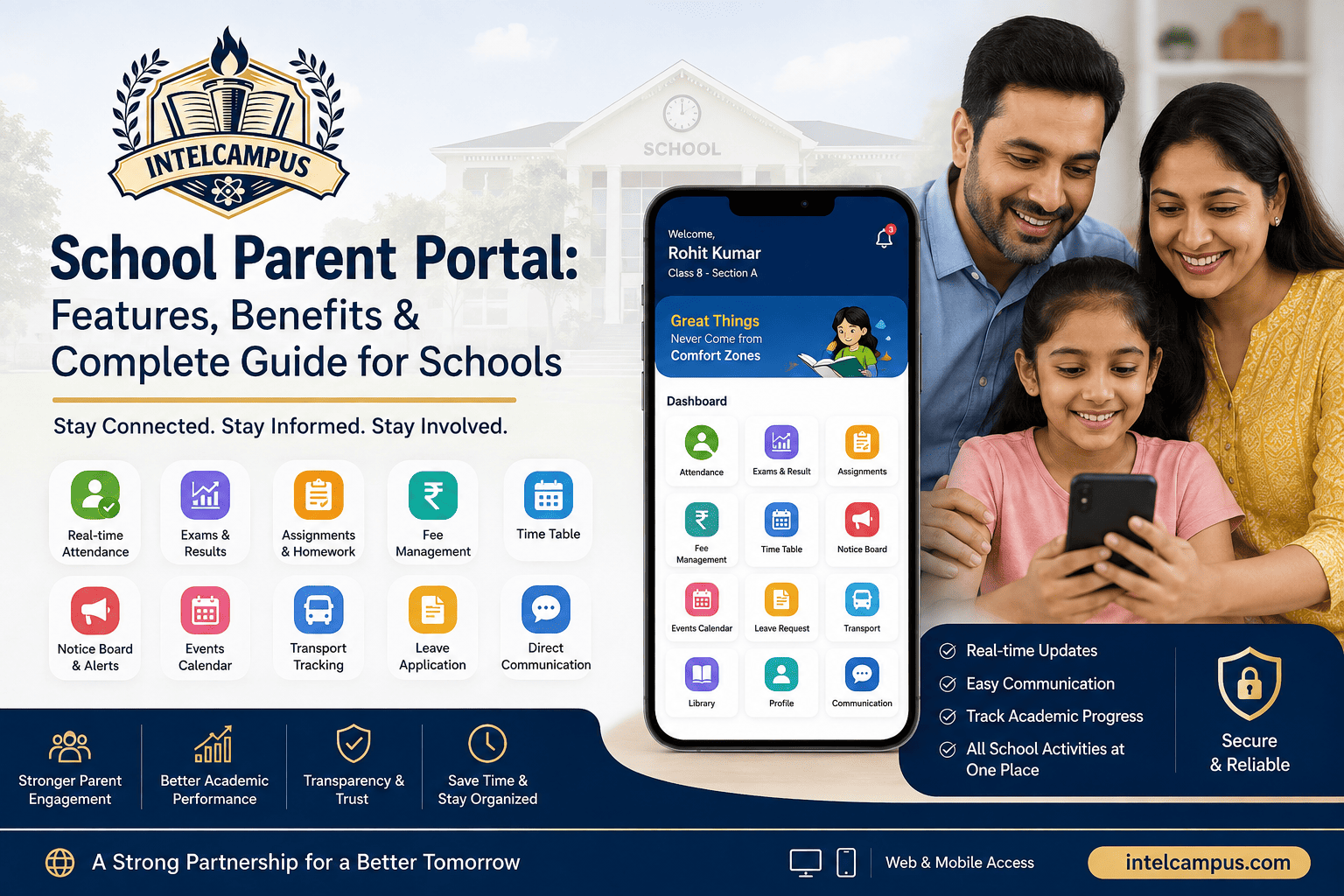
IntelCampus simplifies school-to-home communication by offering a centralized Parent Panel. Parents no longer need to check multiple portals or app platforms—everything about your child’s school performance is available in one secure location.
Here is what you can view directly inside the IntelCampus Parent Panel:
1. Attendance Tracking
-
View real-time daily and subject-wise attendance records.
-
Receive automatic alerts for unexcused absences or tardiness.
-
Check historical attendance summaries to ensure consistency.
2. Assignments & Homework
-
See active, upcoming, and submitted assignments with deadline details.
-
Check teacher feedback on completed homework.
-
Spot overdue or missing work early to help your child manage their study schedule.
3. Marksheets & Exam Performance
-
Access digital marksheets for class tests, mid-terms, and final exams.
-
Review subject-by-subject score trends to identify learning gaps.
-
Download official report cards as soon as results are published.
4. Daily Updates & Announcements
-
Stay informed about school circulars, holiday updates, and exam schedules.
-
Track behavior reports, teacher notes, and extracurricular involvement.
A Step-by-Step Guide: Getting Started with IntelCampus
Step 1: Log in to the IntelCampus Parent Panel
At the beginning of the academic year, use the credentials provided by your child's school to access the IntelCampus web portal or mobile app. Ensure your contact details are verified to receive automated alerts.
Step 2: Set Up Notifications
Customize your account settings so you never miss critical updates:
-
High-priority low grade or exam performance warnings
-
Immediate alerts for missing assignments
-
Daily or weekly attendance updates
Step 3: Review Key Academic Indicators Regularly
When navigating your IntelCampus Parent Panel, focus on these key metrics:
| Tracking Metric | What to Look For | Action Item |
|
Assignment Consistency |
Frequency of missing or late homework. |
Check study routines and time management. |
|
Assessment Trends |
Test and mark-sheet trends across subjects. |
Identify subject-specific learning gaps early. |
|
Attendance & Punctuality |
Unexcused absences or frequent tardiness. |
Address potential engagement or health issues. |
Best Practices for Using Academic Tracking Positively
Monitoring performance online can sometimes cause unnecessary stress if not handled constructively. Follow these tips to build a positive routine with your child:
Focus on Growth, Not Just Scores Use the data in IntelCampus to praise effort, consistency, and improvement rather than focusing solely on perfect marks.
-
Schedule Weekly Reviews: Sit down with your child once a week to look through the IntelCampus Parent Panel together. Let them explain their assignments and show off their achievements.
-
Collaborate with Teachers: If you notice a sudden dip in marksheet scores or attendance, reach out to the class teacher through the platform to work together on a solution.
-
Encourage Student Independence: As your child enters higher grades, use the panel to guide them toward managing their own homework and exam prep.
Final Thoughts
Knowing how to track your child's academic performance online transforms how parents engage with school life. By leveraging the IntelCampus Parent Panel to view attendance, assignments, marksheets, and teacher communication, you can transform data into positive guidance—helping your child build confidence and achieve long-term academic success.
Ready to digitize fee collection at your institution?