School ERP Security: Permissions, Backups and Student Data Protection
What "secure" should actually mean for a school ERP - role-based permissions, data isolation between schools, backups, and the specific questions to ask any vendor.
When a school moves attendance registers, fee records and exam results onto a digital platform, security stops being an IT department's problem and becomes an administrator's responsibility too. Before choosing or trusting a school ERP with your students' data, it helps to understand exactly what "secure" should mean in practice - not as a marketing word, but as a set of concrete mechanisms.
This guide walks through the three areas that matter most for a school evaluating or already using a School ERP system: role-based permissions, data isolation between schools, and backup/recovery practices.
Why School Data Security Is Different from Typical Business Software
A school ERP holds a mix of data that is unusually sensitive for a small-business application: minors' personal details, academic records, attendance history, parent contact information, and financial records tied to fee payments. Unlike a generic CRM or accounting tool, a breach or misconfiguration here can affect children and families directly, not just a company's internal operations.
This is why the right question to ask a vendor is not "is it secure?" but "who can see what, and what happens if something goes wrong?"
Role-Based Access: Who Can See What
The single most important security control in any school ERP is role-based access - making sure a Teacher cannot see another class's fee records, a Parent cannot see another family's child, and an Accountant cannot edit exam questions.
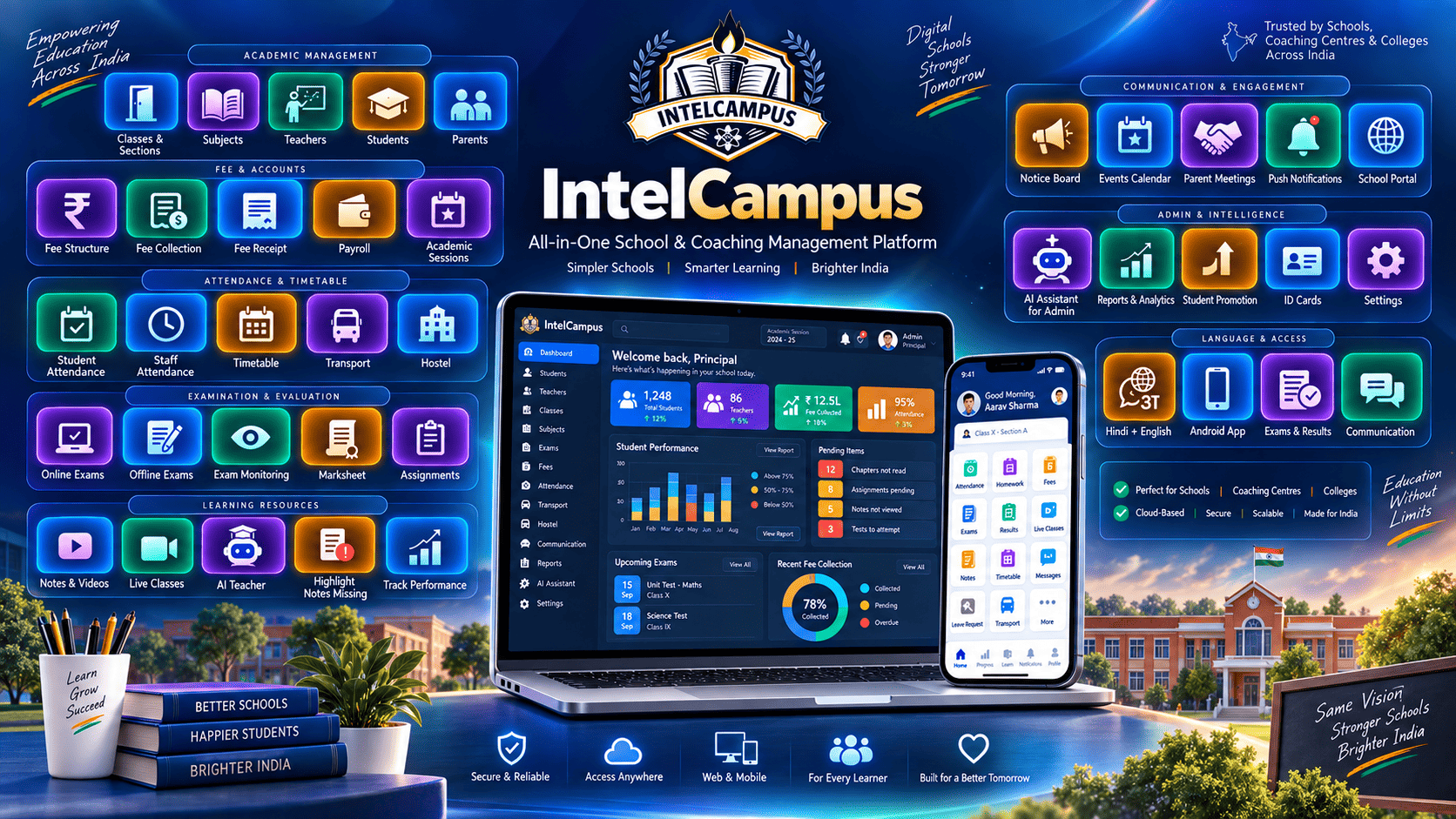
In IntelCampus, every login belongs to one of a small set of defined roles: Administrator, Teacher, Accountant, Student, or Parent (plus optional custom roles an Administrator can configure for narrower access - for example, a role that can only view attendance and nothing else). Each role's access is checked on every request, at the database query level, not just by hiding a button in the interface. A Teacher's class list, a Parent's child view, and an Accountant's fee dashboard are all scoped to exactly what that role is permitted to see for that specific school.
When evaluating any school ERP, ask specifically:
Is access enforced on the server (so it cannot be bypassed by a technical user), or only hidden in the interface?
Can a school create a narrower custom role, or are only a handful of fixed roles available?
Does a Teacher's access stay limited to their own assigned classes and sections, or can they see the whole school?
Data Isolation Between Schools
Most school ERP platforms, including IntelCampus, are multi-tenant - one platform serves many different schools from the same underlying system. This makes the software affordable and easy to maintain, but it also means data isolation between schools is a non-negotiable requirement, not an optional feature.
Every record in IntelCampus - a student, a fee entry, an exam result - is tied to the specific school (coaching) it belongs to, and every query is scoped to that school. One school's administrator, however senior their role, cannot see another school's students, staff, or financial records. This isolation is enforced consistently across the admin panel and the student/parent-facing apps alike.
Backups and Recovery
No software is immune to hardware failure, accidental deletion, or operator error. What separates a well-run platform from a risky one is how predictably it recovers.
Practically, a school evaluating this should ask:
How often is the database backed up, and is that automated rather than manual?
If a record is deleted by mistake, is there a path to recover it, or is it gone permanently?
Is the production database and the systems serving it kept separate from any test or development environment, so testing activity can never touch real student data?
These are reasonable, specific questions any school is entitled to ask a vendor before migrating years of academic records onto their platform - and the answers should be concrete, not vague reassurances.
Encryption and Transport Security
Data should be encrypted in transit (the connection between a browser or app and the server, via HTTPS) so it cannot be intercepted on a shared Wi-Fi network or mobile data connection. This is table-stakes for any modern web application, including IntelCampus, and is worth confirming for any platform you evaluate by checking that every page - admin panel, student app, and parent portal - loads over HTTPS with no mixed-content warnings.
A Practical Checklist for School Administrators
Before trusting any platform with your school's data, it is reasonable to ask for clear answers to:
What does each role (Admin, Teacher, Accountant, Student, Parent) actually have access to, in writing?
Is my school's data isolated from every other school on the platform?
How and how often is data backed up?
Is all traffic encrypted (HTTPS) across every part of the platform?
Who at the vendor can access my school's raw data, and under what circumstances?
A platform that can answer these questions specifically - rather than with generic assurances - is one worth trusting with your students' records.
How IntelCampus Approaches This
IntelCampus enforces role-based access at the server level for every module - attendance, fees, exams, and communication - so a role's permissions cannot be bypassed from the browser. Every school's data is isolated by design: no query ever crosses between schools, regardless of which role is making it. The platform runs entirely over HTTPS, and administrators can configure narrower custom roles beyond the default Teacher/Accountant/Administrator set when a school's workflow needs finer control.
If data protection and access control are a priority for your school's next ERP decision - as they should be - these are the specific mechanisms to ask any vendor about, IntelCampus included.
Want to see how role-based access works in practice? Explore IntelCampus School Management Software or get in touch to ask us these questions directly.