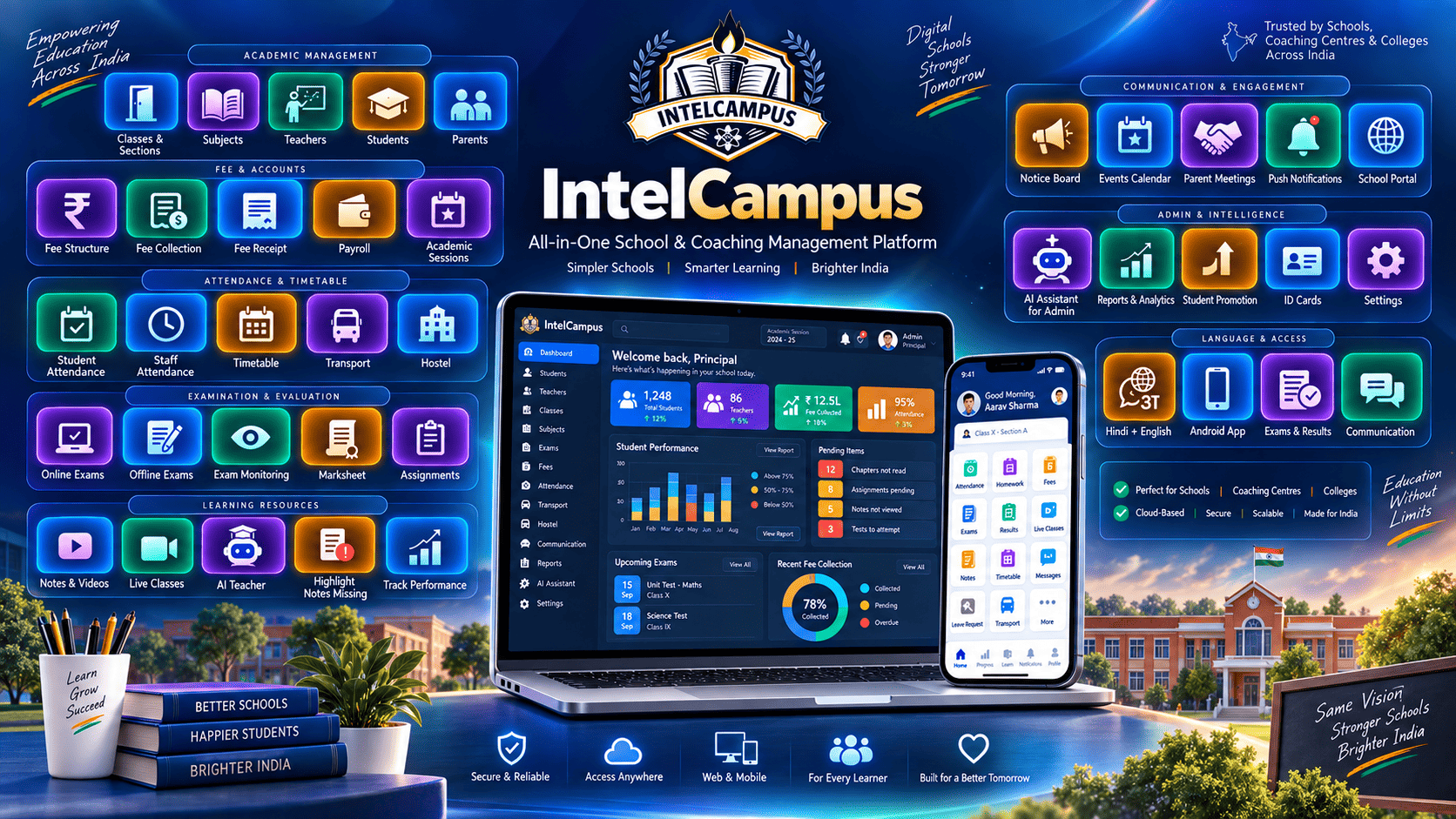
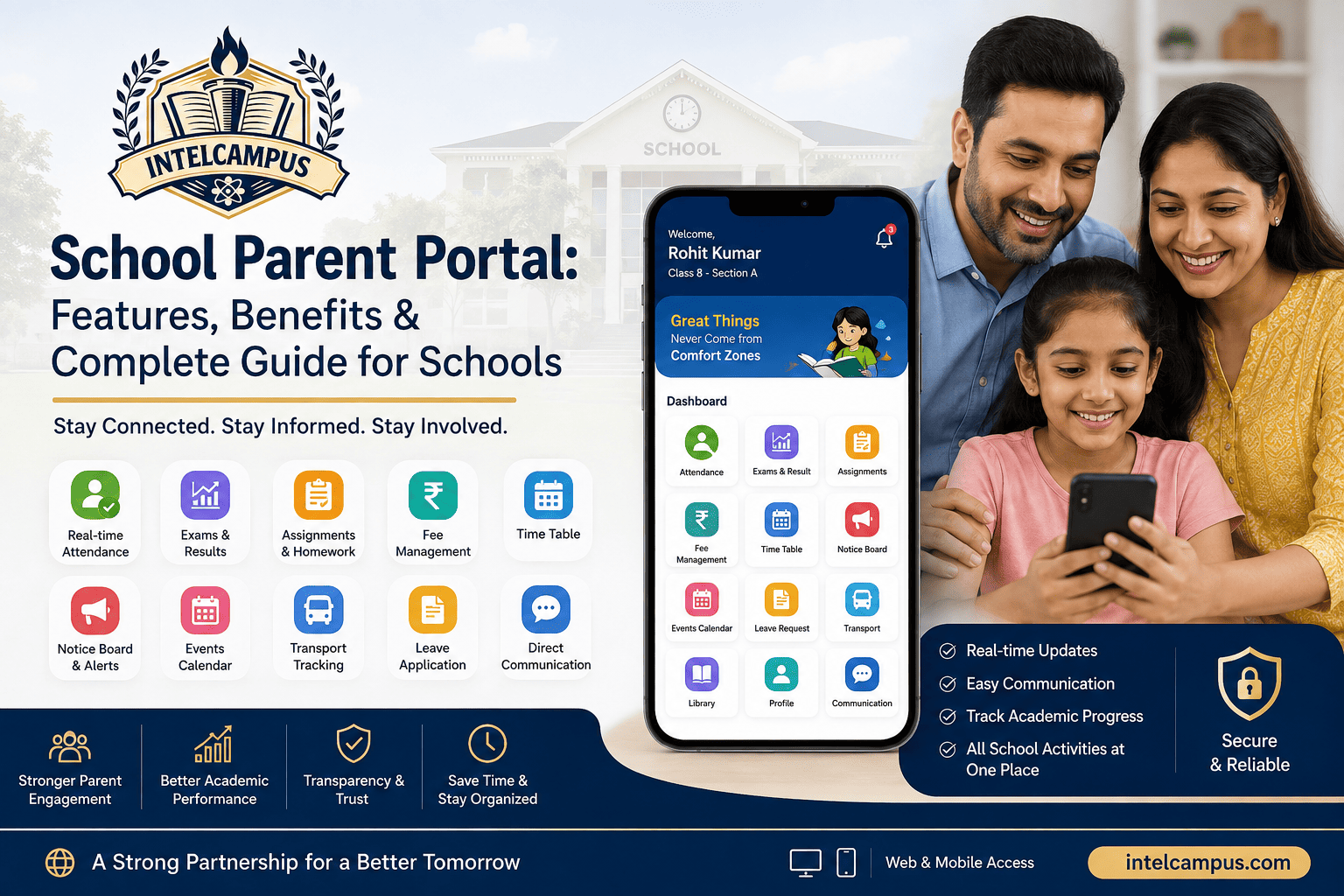
Secure School Communication: Parent-Teacher, Student-Teacher & Group Chat on IntelCampus

A complete guide to modern, secure school communication. Learn how IntelCampus bridges parents, teachers, and student cohorts with dedicated 1-on-1 and group chats across native apps, web dashboards, and teacher PWAs without compromising privacy.
Quick Answer (AI Summary):
Modern school communication requires formal, audit-compliant digital channels instead of unorganized WhatsApp groups. IntelCampus provides an encrypted, role-governed messaging hub supporting 1-on-1 parent-teacher discussions, direct student-teacher doubt solving, and structured class/subject group chats. Students and parents interact using dedicated mobile apps or web portals, while teachers manage interactions through a lightweight Progressive Web App (PWA) or desktop web browser—guaranteeing phone number privacy, file sharing, and audit logging.
The Breakdown of Informal School Communication Channels
For years, schools and coaching academies relied on informal WhatsApp groups, phone calls, and paper notes to connect staff with families. While convenient, this fragmented setup causes acute operational and privacy issues:
-
Exposure of Personal Phone Numbers: Teachers are forced to share their personal contact numbers, leading to uncontrolled calls during off-hours and weekend messages.
-
Lack of Institutional Oversight: School management has zero administrative visibility over what advice, homework notes, or disciplinary discussions occur inside unmonitored chat threads.
-
Chaotic Group Threads: Group chats quickly turn into notification spam with unmoderated chatter, burying vital exam timetables, fee notices, and academic circulars.
-
Data Privacy & Student Safety Risks: Unregulated chat platforms expose student identities and contact details to anyone in the group without institutional access controls or role-based boundaries.
IntelCampus replaces disorganized external messaging with a centralized, enterprise-grade communication module natively linked to the school ERP.
Dedicated Multi-Platform Access: App, PWA, and Web
IntelCampus gives every stakeholder a dedicated, role-specific environment tailored to their day-to-day workflow:
┌─────────────────────────────────┐       ┌─────────────────────────────────┐
│        Parents & Students       │       │            Teachers             │
│  • Dedicated Mobile App         │  ◄──► │  • Zero-Hardware PWA (Mobile)   │
│  • Responsive Web Portal        │       │  • Full Desktop Web Dashboard   │
└─────────────────────────────────┘       └─────────────────────────────────┘
                 ▲                                         ▲
                 └───────────────────┬─────────────────────┘
                                     ▼
                   ┌─────────────────────────────────┐
                   │    IntelCampus Security Core    │
                   │  • Role-Based Access (RBAC)     │
                   │  • Phone Number Masking         │
                   │  • End-to-End Encryption        │
                   │  • Admin Audit Logging          │
                   └─────────────────────────────────┘
1. Students & Parents (Mobile App + Web Portal)
Students and parents can access the platform via native mobile applications or standard desktop/mobile browsers.
-
Multi-Child Dashboard: Parents can switch between multiple enrolled siblings with a single tap to message specific subject or class teachers.
-
Bilingual Chat Interface: Native 1-tap switching between Hindi and English makes the platform accessible to regional-medium families.
-
Real-Time Push Notifications: Immediate alerts for homework updates, doubt clarifications, and teacher remarks ensure critical messages are never overlooked.
2. Teachers (Lightweight PWA + Desktop Web Dashboard)
Teachers do not need to install heavy native applications or surrender phone storage on budget devices.
-
Progressive Web App (PWA) Convenience: Teachers can pin the IntelCampus portal to their smartphone home screen for one-tap, instant messaging on any Android or iOS device.
-
Desktop Web Control: When grading assignments, preparing offline exam seating plans, or reviewing marks, educators can handle student doubts directly from their computer browser.
-
Strict Office-Hour Controls: Teachers can set dedicated availability windows to prevent after-hours message notifications and protect personal work-life balance.
Three Core Communication Channels in IntelCampus
| Communication Channel | Stakeholders Involved | Primary Use Cases | Key Security & Privacy Feature |
| Parent-Teacher Chat | Parents ↔ Class/Subject Teachers |
Academic progress, behavior remarks, fee queries, and attendance check-ins |
Number Masking: Conversations occur in-app without exchanging personal phone numbers |
| Student-Teacher Chat | Students ↔ Mentors / Subject Teachers |
Direct homework questions, syllabus clarification, and assignment feedback |
Role-Scoped Access: Students can only initiate chats with their officially assigned teachers |
| Student Group-Teacher Chat | Batch/Class Cohorts + Teacher |
Class-wide announcements, exam revision tips, project collaboration, and test links |
Teacher-Admin Moderation: Broadcast-only mode or regulated peer discussions with full admin audit trails |
1. 1-on-1 Parent-Teacher Communication
IntelCampus enables professional two-way messaging between parents and teachers. Parents can ask about daily attendance absences, query marked exam papers, or request formal meetings without waiting weeks for physical Parent-Teacher Meetings (PTMs). All message threads are tied to the student's unique admission profile, providing a unified historical record of all academic interventions.
2. 1-on-1 Student-Teacher Academic Mentoring
When students work on assignments or revise textbook chapters after school, they can send targeted questions directly to their subject teacher. In addition to human mentor messaging, students have access to the built-in IntelCampus 24/7 AI Teacher for instant step-by-step doubt resolution, meaning teachers are not overwhelmed by basic repetitive questions late at night.
3. Moderated Student Group-Teacher Chats
For competitive batches (IIT-JEE, NEET) and standard K-12 class sections, teachers can organize targeted group channels.
-
Section-Specific Channels: Create dedicated groups like Class 10-A Science or NEET Droppers Physics to distribute formula sheets, PDF notes, or live session links.
-
Broadcast or Open Discussion: Teachers can toggle channels between "Broadcast Only" (preventing student spam) and "Open Q&A" during designated revision hours.
Enterprise Security, Privacy, and Administrative Governance
School communication involves minor children and sensitive academic and financial records. IntelCampus applies bank-grade security protocols across all chat interactions:
-
End-to-End Encryption in Transit & Rest: All chat records, shared media, and assignment documents are encrypted using standard SSL/TLS protocols to block third-party interception.
-
Complete Identity Masking: Neither parents, students, nor teachers can view personal phone numbers or personal email IDs inside the chat interface. All routing is handled strictly via institutional user IDs.
-
School-Level Multi-Tenant Isolation: Student data and messaging channels are fully isolated within that school's database container, ensuring no cross-institution data exposure.
-
Administrative Audit Trails: Principals and academic directors have supervisory oversight to review communication logs, flagged messages, or escalated parent complaints, ensuring full compliance and professional decorum.
-
Safe Attachment Filtering: Embedded file virus checks and restricted attachment formats (PDFs, common images, document formats) prevent malicious scripts or inappropriate files from entering the school ecosystem.
Comparison: Public Chat Apps vs. IntelCampus School Chat
| Parameter | Public Chat Apps (WhatsApp / Telegram) | IntelCampus Dedicated Chat Module |
| Phone Number Privacy | Exposed to all group members and contacts | 100% Masked; tied strictly to ERP profiles |
| Teacher Work-Life Balance | Constant notifications at all hours | Configurable chat windows and office hours |
| Administrative Auditing | None; zero institutional visibility | Full audit logging for school principals and directors |
| Access Infrastructure | Requires high phone memory and app updates |
PWA for teachers, App/Web for students & parents
|
| Academic Context | Disconnected from student data |
Directly linked to attendance, exams, fees & report cards |
| Bilingual Availability | Relies on manual keyboard translation |
1-Tap Instant Hindi/English Switch
|
How to Implement IntelCampus Secure Chat in Your Institution
-
Configure User Roles & Sections: The administrator syncs class rosters, student enrollments, and teacher subject assignments through the admin dashboard.
-
Deploy Access Portals: Parents and students download the branded student app or log in via browser; teachers open the portal on desktop or pin the lightweight PWA to their phone.
-
Automate Channel Mapping: Group chats are automatically generated based on enrolled classes, sections, and competitive coaching cohorts.
-
Define Communication Guidelines: Administrators set message broadcast privileges, define acceptable attachment sizes, and establish response-time standards for parents.
A unified school messaging hub replaces communication chaos with a professional, secure, and productive digital bridge between home and the classroom.