Coaching Management Software: Features, Benefits & Complete Guide
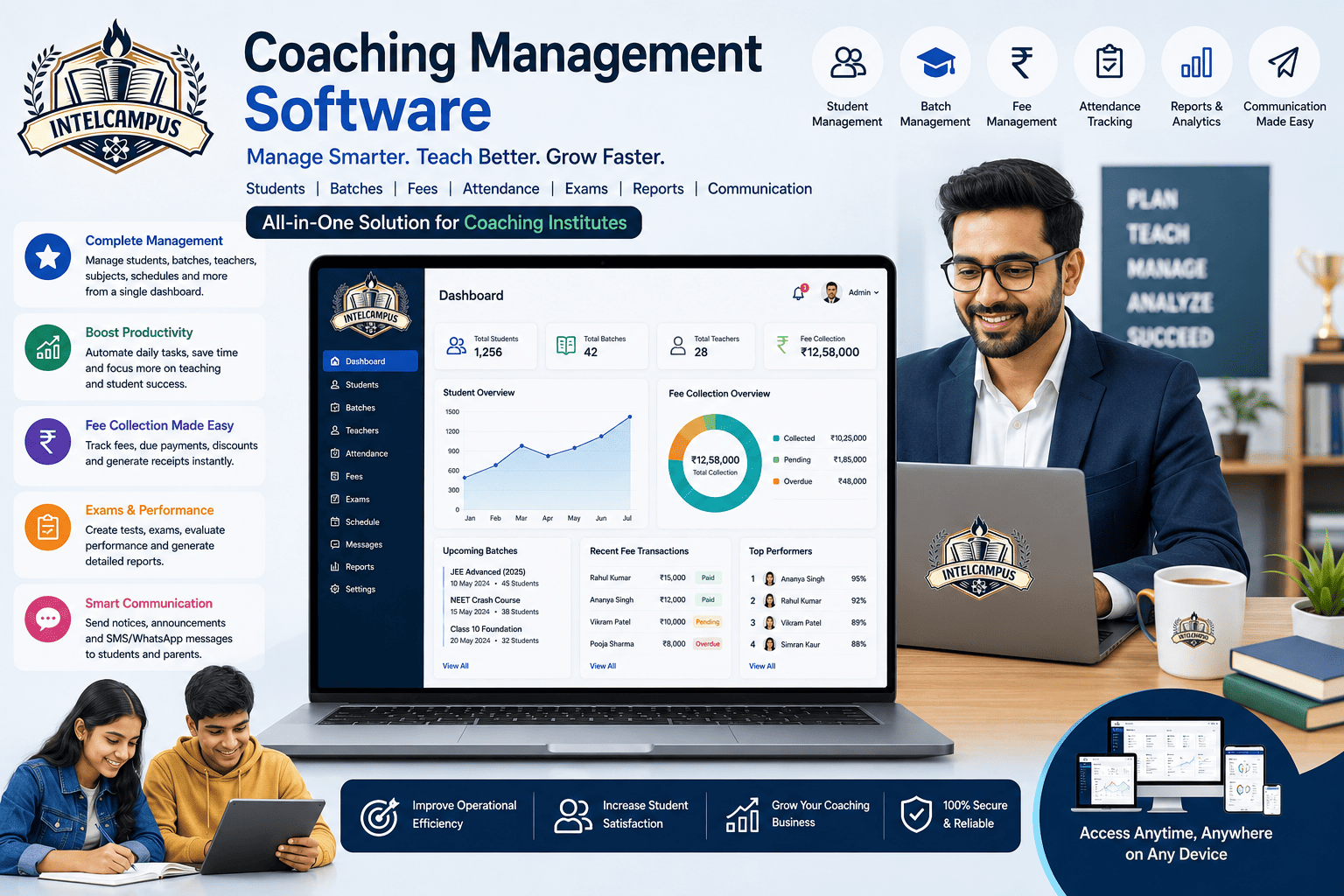
A complete buyer's guide to modern coaching management software. Discover how IntelCampus unifies fee automation, recorded lectures, proctored mock tests, AI tutors, and bilingual mobile access.
Running a modern coaching institute, tuition center, or competitive exam academy (IIT-JEE, NEET, CUET, Foundation) comes with unique operational demands. Unlike traditional K-12 schools, coaching academies must manage multiple student batches running on different schedules, deliver targeted study materials, host live interactive classes, run timed test series with negative marking, and keep parents updated-all while keeping administrative overhead low.
Without a dedicated digital platform, coaching directors often find themselves juggling multiple fragmented tools: separate software for fee registers, messaging apps for homework sharing, third-party form builders for mock tests, scattered Zoom or Meet links across chat groups, and manual ledgers for batch attendance.
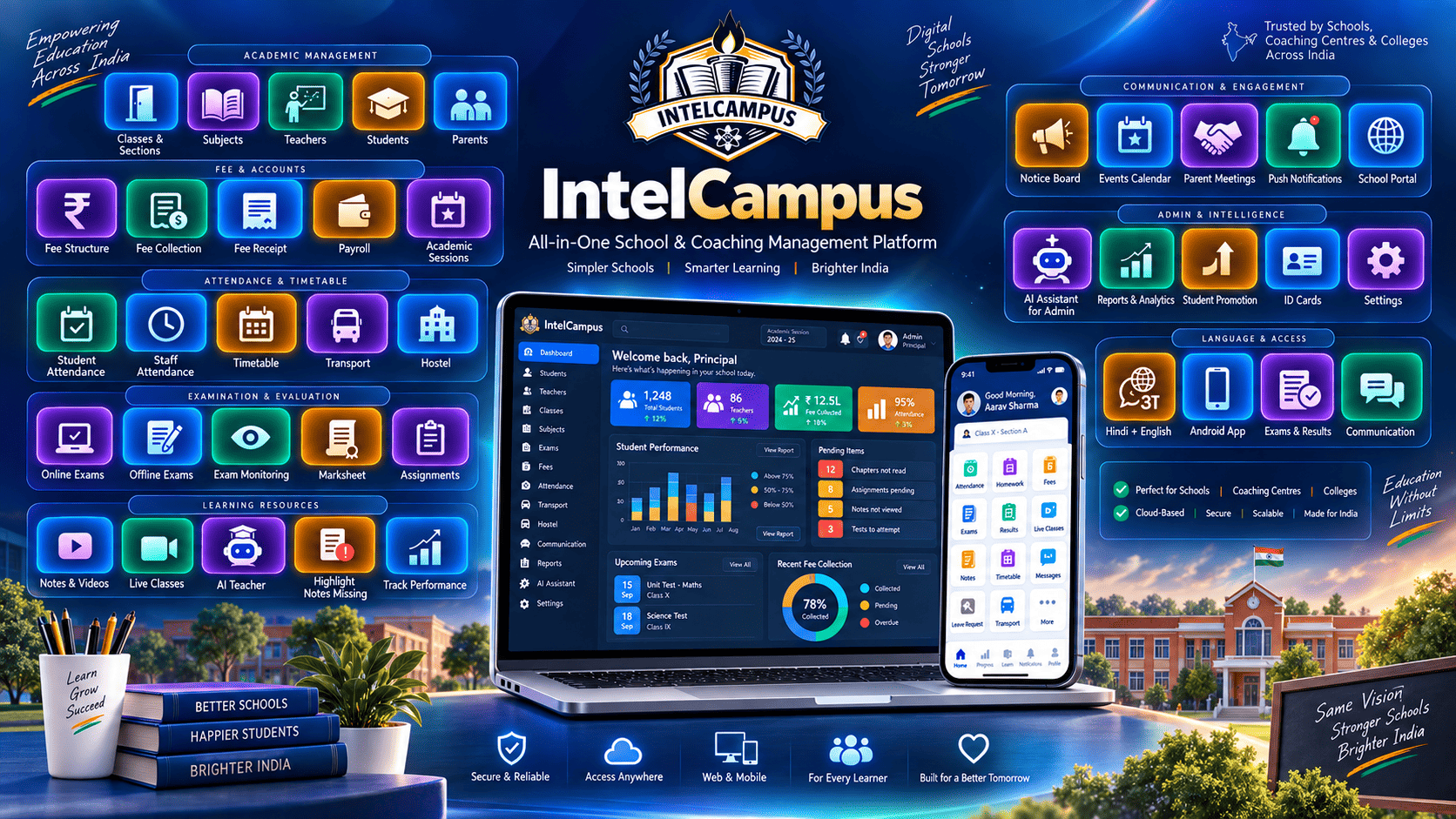
A unified, cloud-based Coaching Management Software like IntelCampus consolidates these operations into a single browser-native platform. Here is a comprehensive guide on how digitizing student administration, live virtual classrooms, study content delivery, assessment engines, and AI learning support can scale your coaching institute.
1. Batch Architecture & Student Lifecycle Management
Managing multiple cohorts-such as Morning Foundation batches, Evening Dropper series, or Fast-Track Revision groups-requires flexible batch partitioning.
-
Isolated Batch Workflows: Group students into specific batches with independent fee structures, timetable schedules, and subject allocations.
-
30-Second Mobile Attendance: Teachers take roll call in seconds directly from their smartphones. Unexcused absences trigger real-time WhatsApp or SMS notifications to parents.
-
Centralized Student Profiles: Track enrollment details, assigned batches, payment histories, attendance percentages, and historical test scores under a single profile.
2. Integrated Virtual Classroom & Live Class Scheduling
Distributing meeting links across unstructured WhatsApp groups leads to missed classes, unauthorized joining, and lost learning time.
-
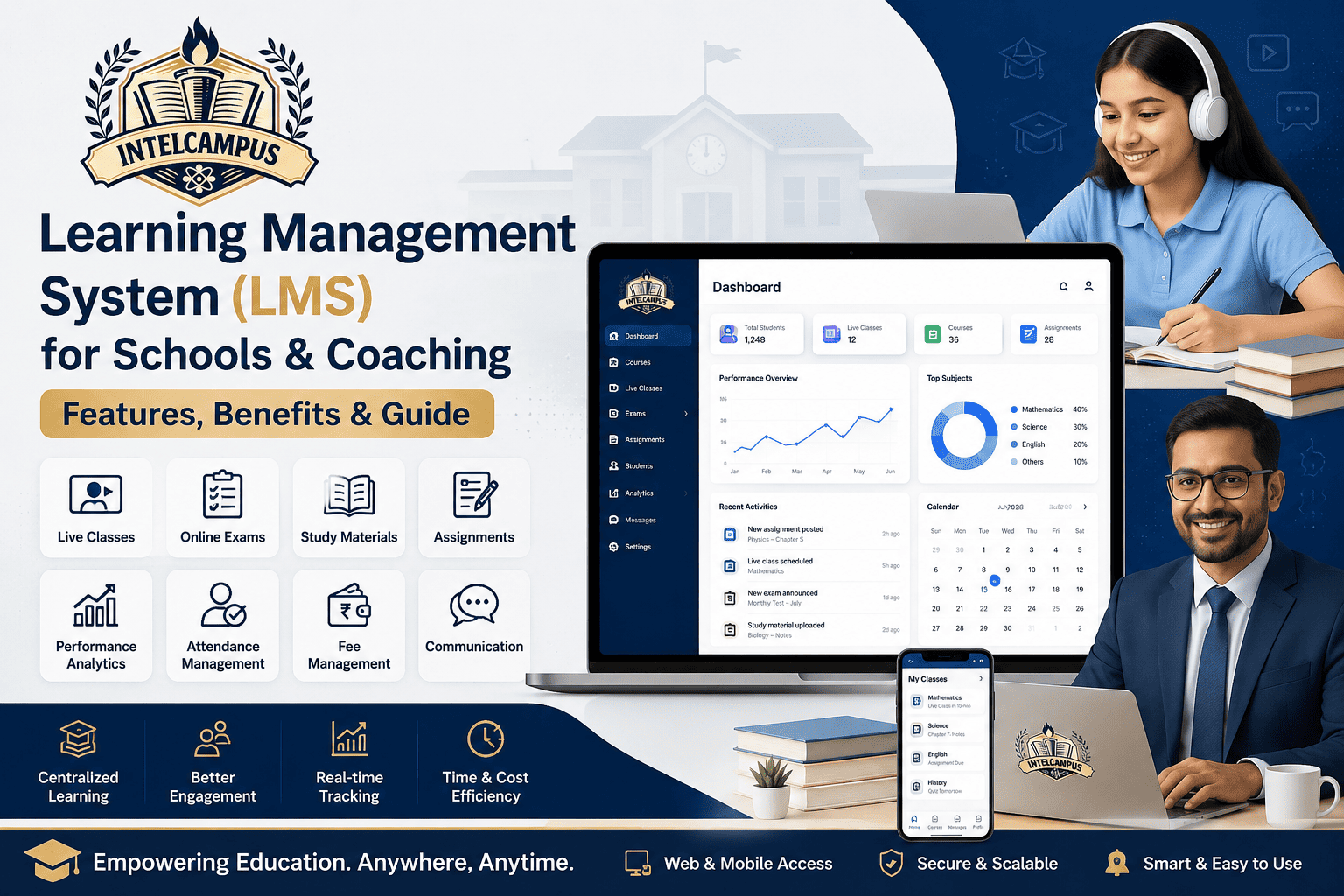
Seamless Multi-Platform Support: Teachers can paste meeting links from Zoom, Google Meet, or Microsoft Teams directly into their scheduling panel.
-
1-Tap Student Join: Students view scheduled sessions on their web or Progressive Web App (PWA) dashboard and tap once to enter the live class-no extra app installations or complex logins required.
-
Automated Attendance Logging: The system automatically marks student attendance the moment they enter the live online session, saving precious teaching time.
-
Instant Start Notifications: Parents and students receive automated push alerts and WhatsApp reminders prior to class commencement to maintain high attendance.
3. Digital Notes, Recorded Video Lectures & E-Library
Distributing printed study modules and sharing lecture links across disorganized group chats leads to lost material and student confusion.
┌─────────────────────────────────────────────────────────────┐
│                 IntelCampus E-Library Hub                   │
├─────────────────────────────────────────────────────────────┤
│  [Subject: Physics] -> [Chapter: Rotational Motion]         │
│  ├─ PDF Notes: Formula Cheat Sheet & Theory Guidelines      │
│  ├─ Video Lecture: Class Recorded Stream (HD)               │
│  └─ Practice: Chapter-Wise Auto-Graded Quiz (20 MCQs)       │
└─────────────────────────────────────────────────────────────┘
-
Multi-Format Study Hub: Upload PDF chapter notes, formula sheets, audio clips, and embedded video lecture links (e.g., YouTube or private server streams) tagged by subject and topic.
-
Zero Storage Impact: Students stream recorded lectures and read study materials directly inside standard mobile web browsers (Chrome, Safari) without consuming internal device storage.
-
Batch-Wise Publishing: Direct study resources to specific batches (e.g., JEE Advanced Batch) while keeping general materials accessible to all enrolled students.
4. High-Stakes Competitive Exam & Practice Quiz Engine
Standard percentage grading is insufficient for competitive exam prep where speed, accuracy, and handling negative marking determine student ranks.
| Assessment Feature | Traditional Testing Methods | IntelCampus Assessment Engine |
| Marking Logic |
Standard Pass/Fail or Flat Scores |
Configurable Negative Marking (+4/-1, partial marking) |
| Test Types |
Paper handouts or simple web forms |
Timed All-India Test Series (AITS), Chapter MCQs, Subjective Uploads |
| Anti-Cheat Shield |
Manual room invigilation only |
Tab-switch detection, browser lock, and live invigilator dashboard |
| Result Delivery |
Days of manual optical/hand grading |
Instant auto-grading, answer key breakdowns, and batch rank analytics |
-
Proctored Online Mock Exams: Conduct timed mock tests with automated tab-switch monitoring that flags suspicious activity or auto-submits tests if violation limits are exceeded.
-
Self-Paced Chapter Quizzes: Provide question banks for independent daily practice, allowing students to build speed and accuracy outside scheduled class hours.
5. Digital Homework & Assignment Tracking Loop
The assignment module keeps teachers, students, and parents aligned in a 4-step loop:
-
Publish: Instructors upload assignment sheets with deadline cutoffs and resource attachments.
-
Submit: Students snap photos of handwritten solutions or upload files via their web dashboard.
-
Grade: Teachers review submissions online, assign marks or letter grades, and leave feedback notes.
-
Monitor: If a deadline passes without a submission, parents receive an automated alert highlighting the missing work.
6. Automated Fee Management & WhatsApp Receipts
Managing monthly tuition fees, installment plans, and pending dues manually creates administrative friction.
-
Multi-Mode Collection Ledger: Record cash, cheque, bank transfer, and online UPI payments in one organized ledger.
-
Instant Digital Receipts: Automatically generate numbered PDF receipts and deliver them directly to parents' WhatsApp numbers upon payment confirmation.
-
Automated Due Reminders: Send scheduled payment reminders to parents with upcoming or overdue balances, reducing manual follow-up calls.
7. Integrated 24/7 AI Teacher & Subject Chatbot
When students encounter roadblocks during late-night self-study, they often have to wait until the next class to clarify doubts. IntelCampus embeds an AI-powered tutor directly into the student interface:
┌─────────────────────────────────────────────────────────────┐
│                 Interactive AI Notes Assistant               │
├─────────────────────────────────────────────────────────────┤
│ [ Easy Explanation ]  [ Practical Examples ]  [ Main Points ]│
│ [ 5-MCQ Practice Quiz] [ Hindi Version ]    [ English Version]│
└─────────────────────────────────────────────────────────────┘
-
Interactive Notes Breakdown: When studying chapter notes, students select any topic to access easy summaries, real-world examples, key bullet points, or a quick 5-question practice quiz.
-
Contextual Subject Chatbot: Students select their specific subject and chapter, then ask academic queries. The AI guides them step-by-step from foundational concepts to advanced problem-solving methodologies.
-
Progress Tracking: The AI tracks student interaction history and adjusts explanation depth based on their comprehension level over time.
8. Native 1-Tap Bilingual Interface (Hindi + English)
In many regional coaching hubs, students, staff members, and parents switch between Hindi and English daily.
-
Instant Language Toggle: A single tap switches the entire platform interface-including dashboards, notifications, AI explanations, and result displays-between Hindi and English.
-
Inclusivity for Regional Medium Students: Hindi-medium students can read complex technical explanations in Hindi while reviewing standard English terminology alongside it.
9. Progressive Web App (PWA) & Zero-Hardware Setup
Traditional software requires local server installations or forces parents and students to download bulky apps from app stores.
-
Runs on Any Device: IntelCampus operates directly inside standard web browsers (Chrome, Safari) on smartphones, tablets, or basic desktop computers.
-
Zero Storage Impact: Built as a Progressive Web App (PWA), parents and students can pin the portal to their phone home screen without taking up device storage space on budget Android smartphones.
-
Zero Server Infrastructure: Eliminates local server purchases, hardware maintenance, and dedicated IT staffing costs.
Summary Decision Guide: What to Look For
When selecting a management platform for your coaching academy or tuition center, ensure it covers these core operational requirements:
                  ┌─────────────────────────────────────┐
                  │    Coaching ERP Selection Matrix    │
                  └──────────────────┬──────────────────┘
                                     │
      ┌──────────────────────────────┼──────────────────────────────┐
      ▼                              ▼                              ▼
┌───────────┐                  ┌───────────┐                  ┌───────────┐
│ Live & PWA│                  │  Testing  │                  │ Language  │
└─────┬─────┘                  └─────┬─────┘                  └─────┬─────┘
      │                              │                              │
  Zoom/Meet/Teams 1-tap join      Supports negative marking      1-tap Hindi/English UI
  & browser-native execution     (+4/-1) & proctoring          toggle for regional users
  with zero hardware setup.      for JEE/NEET formats.          parent engagement.
By deploying a modern, browser-native platform like IntelCampus, coaching institutes can eliminate paper-based administrative tasks, conduct seamless live classes, deliver structured learning materials, run competitive mock tests, and provide 24/7 AI learning support under a single unified dashboard.
Ready to digitize fee collection at your institution?