Online Exam Software for Schools: Features, Benefits, and Complete Guide

A practical guide for Indian schools and coaching institutes on scheduling online exams, supporting objective and subjective questions, preventing cheating with tab detection, and automating result evaluation.
Online Exam Software for Schools: Features, Benefits, and Complete Guide
Conducting traditional paper-based examinations in Indian schools and coaching institutes involves significant operational overhead. Printing hundreds of question papers, arranging physical invigilation, manually evaluating answer scripts, and tabulating final marksheet data takes weeks of concentrated effort from teaching staff.
Beyond administrative labor, paper assessments make it challenging to offer instant feedback, conduct regular weekly mock tests, or prepare students for modern competitive exams like JEE, NEET, and CUET that use Computer-Based Testing (CBT) formats.
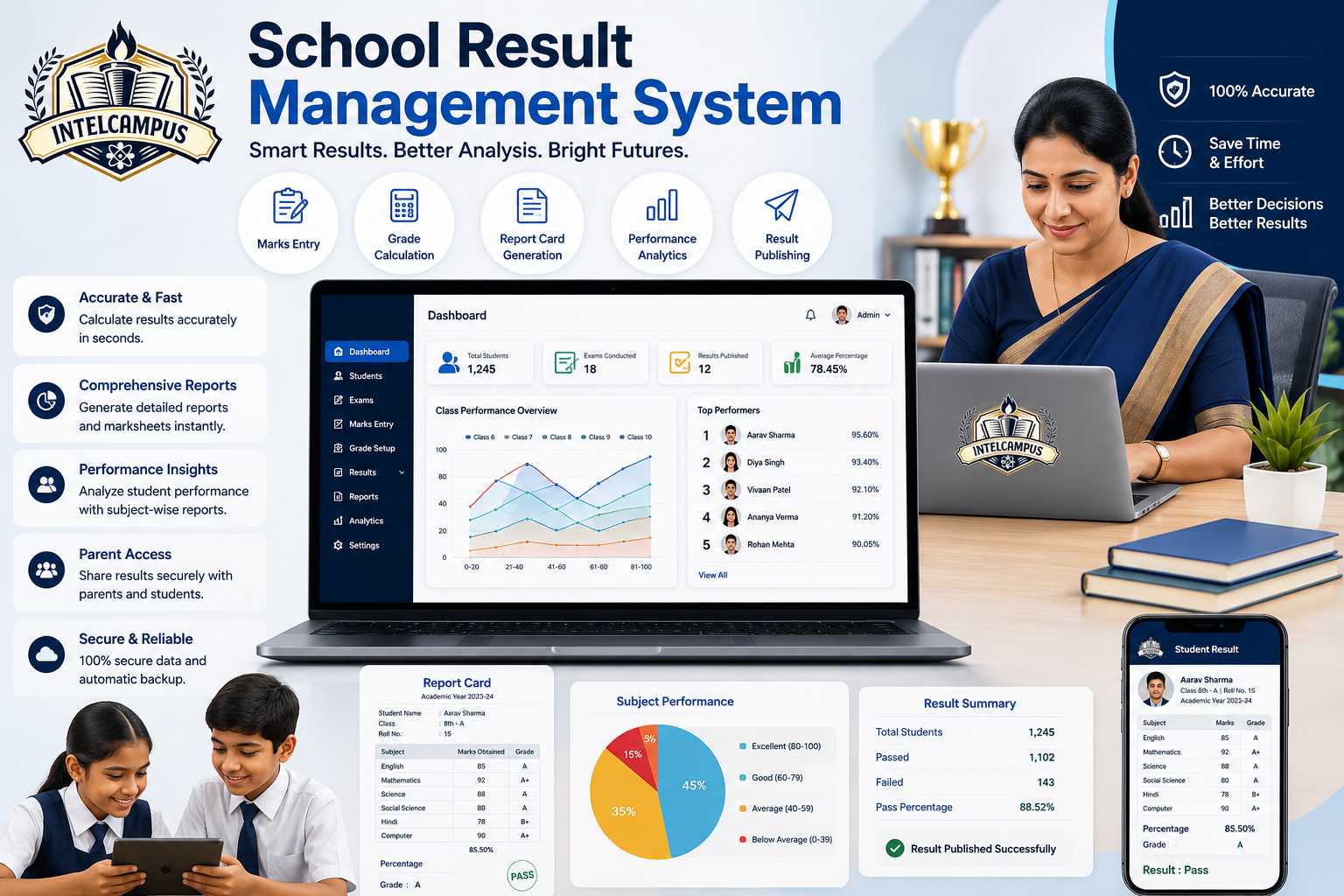
A robust online exam software for schools simplifies the entire evaluation workflow. From automated exam scheduling and real-time tab-switch monitoring to auto-graded marksheets and detailed performance reviews, digital assessment tools make testing seamless, secure, and stress-free.
How Online Exam Software Works
Modern examination management platforms bridge the gap between classroom teaching and digital assessment. Teachers can construct tests in minutes, while students attempt exams securely from their smartphones, tablets, or laptops.
| 1. Teacher Schedules Exam | Configures date, time, duration, question types & negative marks |
| 2. Automated Push Alert | Notification sent to assigned students on their panel |
| 3. Secure Exam Execution | "Start Exam" activates at start time; tab detection monitors |
| 4. Auto-Submission & Check | System submits test when timer ends; auto-evaluates MCQs |
| 5. Review & Marksheet | Student reviews answer sheet; downloads official marksheet |
Key Features of School Online Exam Software
To conduct fair, error-free assessments, educational institutions require software equipped with versatile test-creation and proctoring capabilities:
1. Multi-Format Question Support (Objective, Subjective & Hybrid)
Teachers need flexibility when evaluating different subjects and grade levels:
-
Objective Questions (MCQs): Single-choice, multiple-choice, true/false, and fill-in-the-blank questions.
-
Subjective Questions: Allows students to type long-form answers directly or upload photos of handwritten answer sheets for descriptive subjects like Hindi, English Literature, or Mathematics.
-
Hybrid Question Papers: Combine objective and subjective questions within a single scheduled test.
-
Negative Marking Rules: Configure custom negative marking rules (e.g., -0.25 or -1 for incorrect answers) to prepare competitive exam batches for national entrance tests.
2. Automated Scheduling and Instant Push Notifications
When a teacher schedules a test—specifying the exam date, start time, end time, and assigned class or batch—the system automatically broadcasts push notifications directly to the student portal and mobile devices. Students receive timely alerts so they never miss an upcoming test.
3. Smart Access Controls & Auto-Submission Timers
-
Exact Start-Time Enforcer: The "Start Exam" button remains locked until the exact scheduled start time, preventing early attempts.
-
Live Countdown Timer: Displays remaining time prominently on the student's screen.
-
Automated Force Submission: When the allocated time expires, the software automatically submits all answered questions, preventing unauthorized extra time.
| Event | System Action |
|---|---|
| Start Time Reached | Enables "Start Exam" button |
| Tab/Browser Switch | Triggers warning alert & logs attempt |
| Excessive Warnings | Flagged on Live Invigilation Board |
| Timer Reaches 00:00 | Auto-submits exam instantly |
4. Anti-Cheat Monitoring and Tab Detection
Maintaining academic integrity during remote or lab-based assessments is critical. Advanced online examination tools include automated proctoring mechanisms:
-
Tab-Switch Detection: If a student attempts to open a search engine, another browser tab, or a third-party app during the exam, the system detects the action immediately.
-
Automated Warning Alerts: The platform displays a prominent warning dialog to the student (e.g., "Warning: Tab switching is prohibited").
-
Live Invigilator Controls: Teachers monitoring the exam remotely receive real-time flags showing which specific students triggered tab-switch alerts.
5. Instant Evaluation and Auto-Generated Marksheets
-
Instant MCQ Grading: Objective questions are checked instantly against answer keys as soon as the test ends.
-
Subjective Evaluation Panel: Teachers review uploaded descriptive answers on a streamlined digital grading interface.
-
Marksheet Generation & Download: Cumulative scores, rank breakdowns, pass/fail statuses, and percentage calculations are updated automatically. Students and parents can download PDF report cards directly from their panels.
6. In-Depth Student Answer Sheet Review
Learning doesn't stop when the test finishes. Once results are published, students can open a complete question-by-question review screen showing:
-
Questions attempted correctly versus incorrectly.
-
Correct answer explanations and reference solutions.
-
Negative marks deducted per section.
-
Time spent on individual questions to help improve time-management skills.
Core Benefits for Schools, Teachers, and Students
Adopting digital exam software provides tangible improvements across the entire school ecosystem:
-
Saves Hundreds of Hours on Grading: Teachers eliminate manual evaluation for objective tests, allowing them to focus more time on classroom instruction.
-
Zero Paper and Printing Costs: Conducting unit tests and monthly assessments digitally reduces institutional paper consumption and printing overhead.
-
Prepares Students for Competitive Exams: Familiarizes secondary students with Computer-Based Testing (CBT) environments used in national entrance exams.
-
Transparent Performance Tracking for Parents: Parents receive instant test score alerts and can download digital report cards directly from the parent portal.
-
Error-Free Calculation: Automated grading eliminates manual tallying mistakes and mark-transfer errors on final marksheets.
How IntelCampus Simplifies Online Examinations
IntelCampus provides a user-friendly, cloud-based assessment engine designed specifically for Indian schools, academies, and coaching institutes:
-
Flexible Test Creation: Build objective, subjective, or hybrid question papers with customizable negative marking rules in minutes.
-
Automated Student Notifications: Push notifications inform students automatically as soon as an exam is scheduled.
-
Built-in Proctoring & Tab Detection: Keeps online exams secure by tracking tab switches and alerting invigilators to potential misconduct.
-
Auto-Submission & Checking: Timers auto-submit papers at deadline, while objective papers are evaluated instantly.
-
Instant PDF Marksheets: Students can review their full question paper analysis and download official marksheets directly from any standard mobile browser.
-
Zero Hardware Setup: Operates on standard laptops, tablets, or entry-level Android smartphones over basic 3G/4G connections.
Frequently Asked Questions (FAQs)
Can teachers include both objective and subjective questions in the same online exam?
Yes. Modern online exam software supports hybrid question papers containing multiple-choice questions (MCQs), fill-in-the-blanks, and long-form descriptive questions.
How does tab detection work during an online exam?
If a student attempts to switch browser tabs, open another application, or minimize the exam window, the software logs the violation, issues an on-screen warning alert to the student, and flags the activity on the teacher's invigilation dashboard.
What happens if the exam time runs out before a student submits?
The software enforces an automated submission rule. When the exam timer reaches zero, all answered questions are automatically saved and submitted without data loss.
Can students review their answers after the exam results are published?
Yes. Students can log into their portal to review every question, check correct answer keys, view detailed explanations, and analyze negative marks deducted.
How are objective exam results checked?
Objective questions are evaluated automatically by the system using the teacher's answer key immediately after submission, generating instant scores and downloadable marksheets.
Conclusion
Implementing a reliable online exam software for schools streamlines test scheduling, maintains strict exam integrity with smart proctoring, and eliminates manual grading delays. By combining hybrid question support, instant parent notifications, tab-switch alerts, and automated marksheet downloads, educational institutions can elevate their assessment standards while saving time for teachers and students alike.
Ready to digitize your institution's testing and evaluation workflows?