What Is School ERP Software? A Complete Guide for Schools in India
A comprehensive guide for Indian school principals, owners, and administrators on how School ERP software automates attendance, fees, exams, and parent communication.
What Is School ERP Software? A Complete Guide for Schools in India
Running a school in India involves managing hundreds—or even thousands—of moving parts every single day. From morning roll calls and fee collection at the counter to generating term marksheets, tracking bus routes, and sending urgent alerts to parents, administrative staff often find themselves buried under endless paperwork.
For decades, Indian schools relied on paper registers, carbon-copy receipt books, and disconnected Excel sheets. However, as administrative demands grow and parents expect real-time updates on their mobile phones, traditional manual methods create operational bottlenecks, data loss, and severe delays in decision-making.
This is where school ERP software comes in.
This guide breaks down what a School Enterprise Resource Planning (ERP) platform is, how it works in an Indian school context, the core modules your institution needs, and how to select a system that runs smoothly without heavy IT costs.
Understanding School ERP Software
School ERP (Enterprise Resource Planning) software is a centralized, cloud-based platform that unifies all administrative, academic, and financial operations of an educational institution into a single digital system.
Instead of keeping attendance in physical registers, fee records in accounting registers, and exam marks in separate marksheets, a School ERP connects these functions to a single central database.
When a teacher marks a student absent on their mobile phone, the ERP updates the central database instantly. The system then logs the attendance record and alerts the parent via SMS or WhatsApp—all within seconds.
┌─────────────────────────────────────────────────────────────┐
│                 CENTRAL SCHOOL ERP DATABASE                 │
├─────────────────┬─────────────────────────┬─────────────────┤
│ Academic Module │  Financial & Fee Module │ Parent & Alerts │
│                 │                         │                 │
│ • Student Logs  │ • UPI / Cash Receipts   │ • Mobile Portal │
│ • Marksheets    │ • Overdue Ledger        │ • WhatsApp SMS  │
│ • Attendance    │ • Teacher Payroll       │ • Performance   │
└─────────────────┴─────────────────────────┴─────────────────┤
│                 Unified Multi-Role Access                   │
│         (Principal • Teacher • Accountant • Parent)         │
└─────────────────────────────────────────────────────────────┘
Why Indian Schools are Transitioning to Digital ERPs
Managing K-12 schools or coaching centers in Indian metros, as well as tier-2 and tier-3 towns, presents unique operational challenges. A digital school management platform solves several long-standing pain points:
1. Eliminating Paper Register Dependencies
Paper registers get damaged, misplaced, or filled with calculation errors. Manual attendance calls waste 10 to 15 minutes of instructional time per period. A digital system lets teachers mark roll call in under 30 seconds from a smartphone or tablet.
2. Streamlining Fee Reconciliation
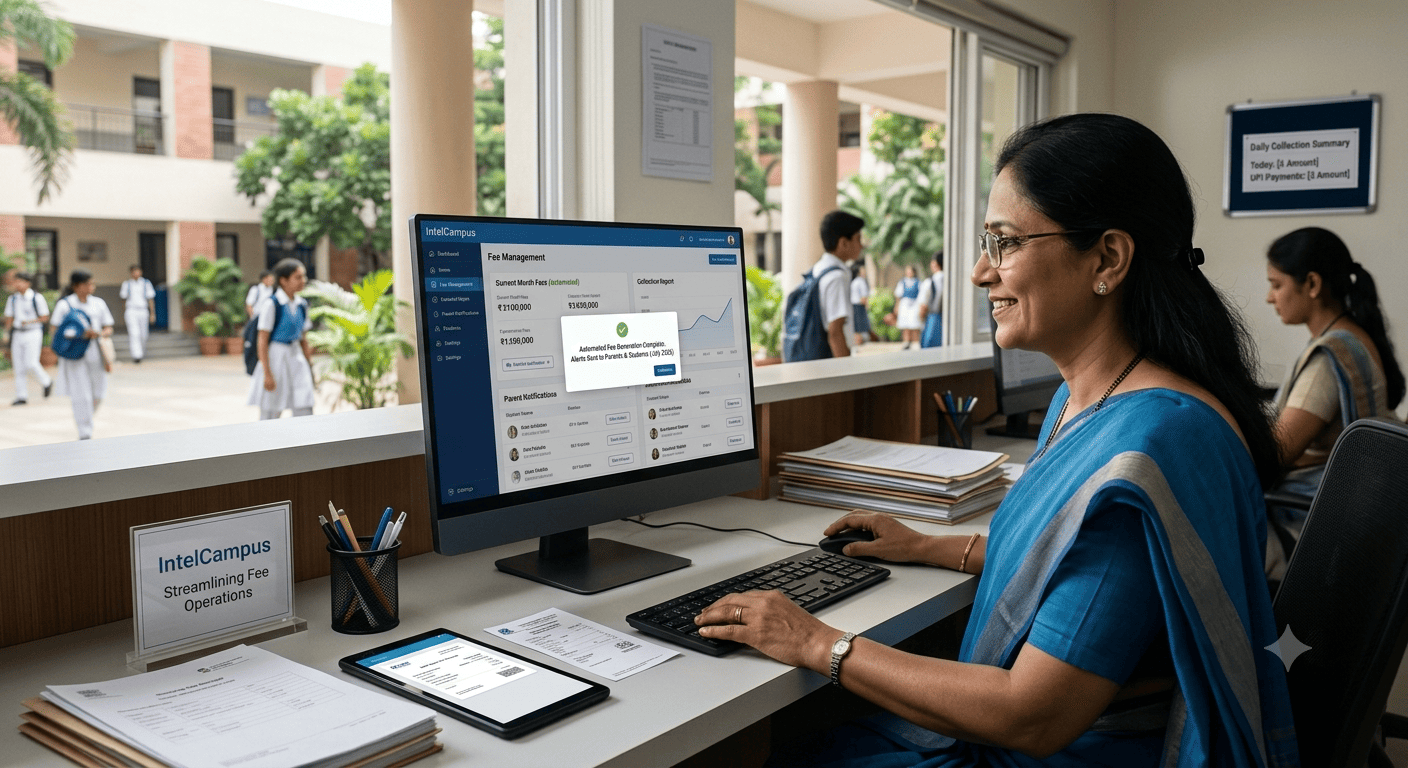
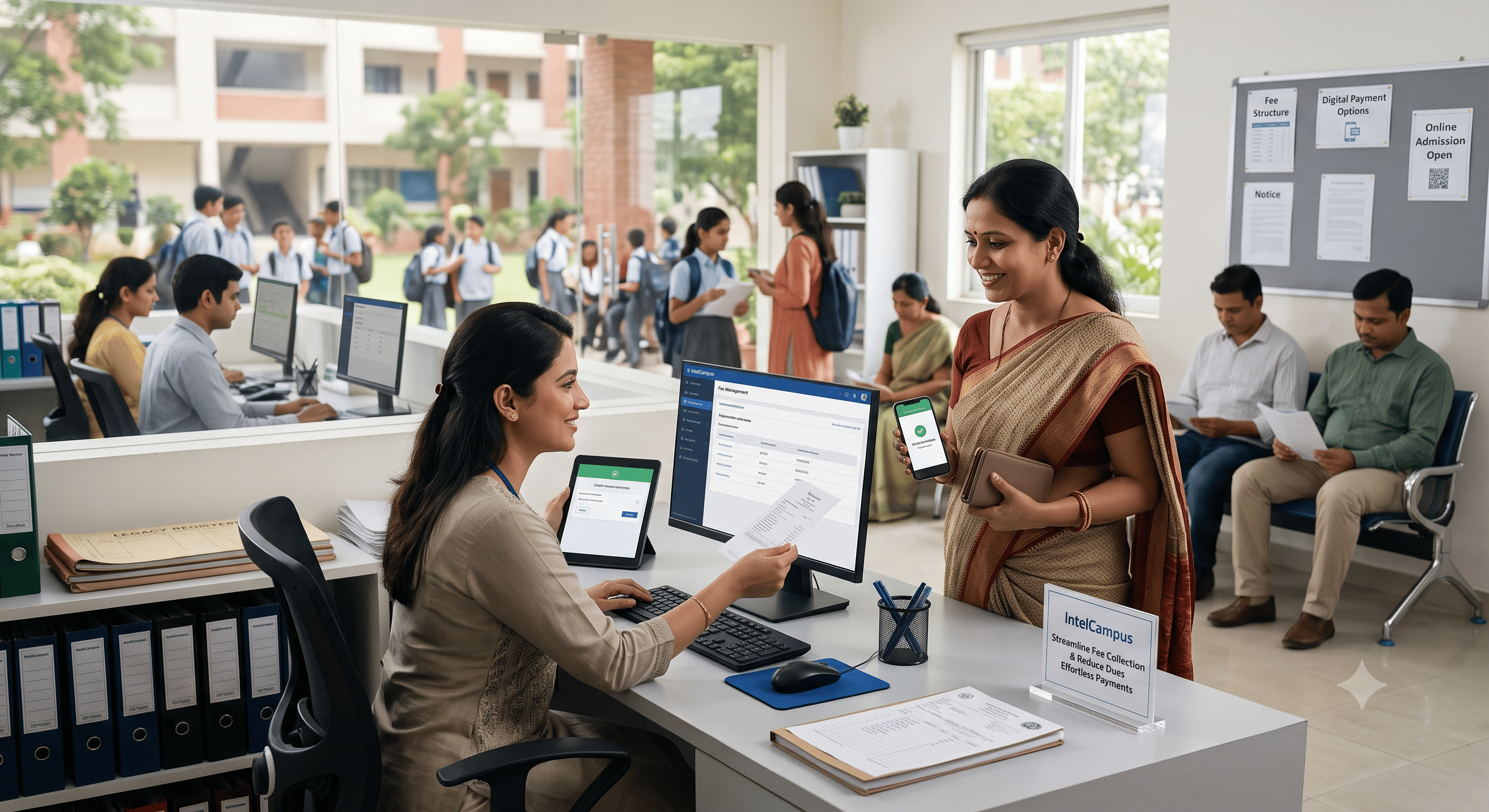
Counter queues during fee submission weeks are exhausting for both accountants and parents. Writing carbon-copy receipts and manually cross-checking bank transactions creates end-of-month reconciliation headaches. An ERP generates automated, sequentially numbered PDF receipts for cash, cheque, or UPI transactions immediately.
3. Transparent Parent Communication
Relying on hand-written diary notes to inform parents about upcoming term exams, pending fees, or sudden holiday announcements often fails. Digital ERPs provide instant alerts directly to parents' mobile devices, creating transparent communication between home and school.
4. Simplified Examination and Marksheet Generation
Calculating grades, pass percentages, and subject averages manually for CBSE, ICSE, or State Board report cards takes weeks of teacher effort. School ERP platforms automate marksheet generation based on pre-set grading criteria, reducing manual effort and minimizing errors.
Core Modules Every School ERP Should Include
A complete school ERP platform brings multiple departmental functions under one umbrella. Here are the essential modules required to run an Indian educational institution efficiently:
1. Student & Class Management
-
Single Student Profile: Stores personal details, parent contacts, assigned class, section, roll number, and document uploads in one searchable file.
-
Academic Hierarchy: Flexible management of classes, sections, mediums (Hindi/English), and streams (Science, Commerce, Arts).
2. Attendance & Instant Alerts
-
Fast Daily Roll Call: Teachers tap "Present" or "Absent" on a mobile interface.
-
Automated Notifications: Instant alerts sent to parents if a child is marked absent.
-
Monthly Attendance Summaries: Automated subject-wise and class-wise attendance percentage reports for board eligibility checks.
┌──────────────────────────────────────────────────────────────┐
│                  DAILY ATTENDANCE WORKFLOW                   │
├────────────────────────────┬─────────────────────────────────┤
│ 1. Teacher Opens App       │ Selects Class, Section & Period │
├────────────────────────────┼─────────────────────────────────┤
│ 2. One-Tap Roll Call       │ Takes 30 Seconds on Smartphone  │
├────────────────────────────┼─────────────────────────────────┤
│ 3. Automated Alert Trigger │ Parent Gets Instant App/SMS     │
│                            │ Notification                    │
├────────────────────────────┼─────────────────────────────────┤
│ 4. System Logging          │ Class Attendance Ledger Updated │
└────────────────────────────┴─────────────────────────────────┘
3. Fee Collection & Financial Accounting
-
Multi-Mode Support: Collect cash, cheques, and online UPI payments at the counter or online.
-
Instant Digital Receipts: Auto-generate branded PDF receipts that can be printed or shared instantly via WhatsApp.
-
Overdue Dues Ledger: Clear line-of-sight into unpaid fees filtered by student, class, or fee head (tuition, transport, admission, hostel).
4. Online Examinations & Report Cards
-
Auto-Graded Online Assessments: Create MCQ or subjective quizzes with timer settings and anti-cheat tab monitoring.
-
Digital Marksheet Generation: Input raw marks to produce professional report cards complete with school branding, grades, and teacher remarks.
5. Parent & Student Portal Access
-
Real-time Performance Access: Parents log in through a browser or mobile app to view attendance history, report cards, exam schedules, and circulars.
-
Multilingual Options: Support for regional languages like Hindi alongside English, ensuring accessibility for parents across different demographic backgrounds.
6. Teacher Payroll & Staff Management
-
Role Assignment: Set permissions so teachers access only their assigned classes, while accountants access financial data, and principals retain full administrative control.
-
Payroll Processing: Set standard salary structures, calculate leave deductions, and issue monthly PDF payslips.
Key Factors to Consider When Selecting a School ERP in India
Choosing the right school erp software requires evaluating your institution's specific infrastructure and operational needs. Avoid platforms that force you to buy expensive hardware or hire dedicated IT staff.
When evaluating vendors, look for these critical criteria:
-
Zero Hardware & Server Costs: Choose a 100% cloud-based platform. Your school should not need to buy dedicated servers, setup room cooling, or hire systems administrators. The ERP should run smoothly on standard laptops, tablets, or low-cost Android smartphones over 3G/4G connections.
-
Ease of Setup & Low Learning Curve: If software takes three months to implement, staff adoption will stall. Modern platforms allow administrators to register, import student rosters via Excel, and go live within hours.
-
App-Free Access for Parents: Forcing parents to download heavy mobile apps from the Play Store leads to low adoption rates due to phone storage constraints. A web portal that opens directly in any standard mobile browser ensures high parental engagement.
-
Bilingual Interface: In many regions across India, school staff and parents prefer working in Hindi or local languages. Ensure the admin panel and parent portal offer single-tap language switching.
-
Data Security & Privacy: Ensure student records, financial transactions, and school data are encrypted, backed up on secure servers, and accessible strictly through role-based access controls.
How IntelCampus Modernizes School Operations
Many traditional software platforms were created for large corporate institutions with full-time IT departments. IntelCampus was built specifically to solve the ground-level administrative realities faced by Indian schools, academies, and coaching institutes.
IntelCampus provides an all-in-one cloud platform that works directly in any browser—including on entry-level Android smartphones:
-
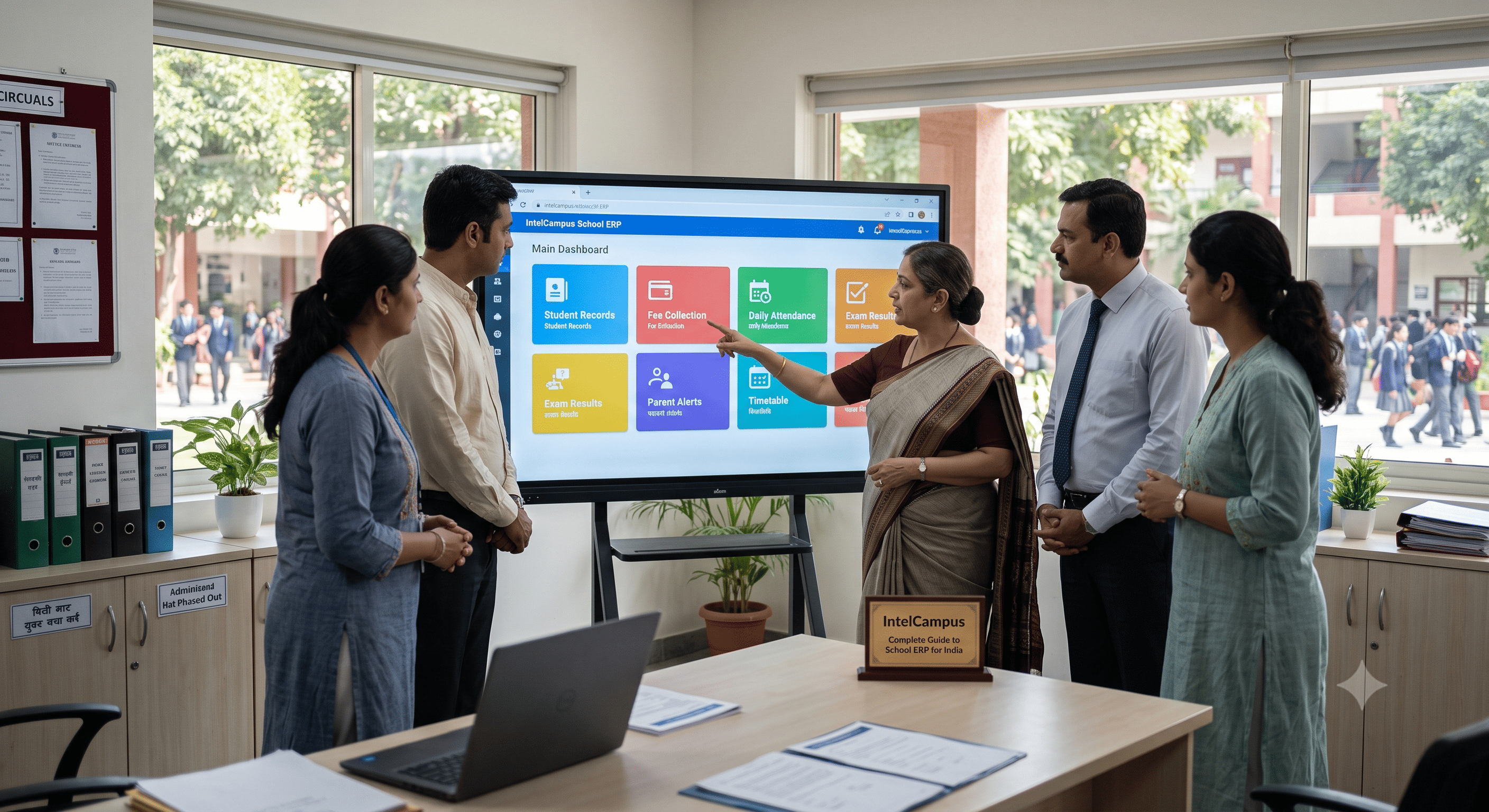
Complete ERP Suite: Integrates student profiles, fast attendance, fee receipts, online exams, teacher payroll, and parent updates into one clean dashboard.
-
Instant WhatsApp Receipts: Generate sequentially numbered PDF fee receipts in two clicks and share them directly with parents on WhatsApp.
-
No Software Downloads Required: Parents and students access report cards, fee history, and homework material via a mobile browser without installing third-party apps.
-
Hindi & English Interface: Seamlessly switch the entire platform between Hindi and English with a single tap for staff and parents.
-
Fast Setup: Upload your existing Excel rosters and get your entire school live in less than an hour without hardware expenses or setup fees.
Frequently Asked Questions (FAQs)
What does ERP stand for in school management?
ERP stands for Enterprise Resource Planning. In education, School ERP software refers to a centralized system that integrates administrative, academic, financial, and communication tasks into a single database.
Do schools need to install servers or local desktop software to run an ERP?
No. Modern cloud-based School ERP platforms run entirely in your web browser. You do not need to purchase local servers, dedicated desktop computers, or maintain on-premise hardware.
Can teachers mark attendance using their smartphones?
Yes. Teachers can log into the ERP panel on any mobile phone or tablet, select their class, and complete student roll calls in under 30 seconds.
How does a School ERP handle fee receipts for cash and UPI payments?
When an accountant records a payment—whether cash, cheque, or UPI—the system automatically logs the entry, updates the student's dues ledger, and generates a numbered PDF receipt ready for printing or instant WhatsApp sharing.
Is School ERP software suitable for small or tier-2/tier-3 town schools?
Yes. Modern cloud platforms are specifically designed for budget flexibility and low bandwidths. They operate on standard mobile data (3G/4G) and offer bilingual interfaces (such as Hindi and English), making them ideal for schools of any size.
Conclusion
Transitioning from manual registers and spreadsheets to a modern school erp software system is one of the most effective operational decisions a school leadership team can make. By centralizing attendance, fee tracking, report cards, and parent updates, school owners reduce administrative workload, eliminate financial errors, and deliver a superior experience to parents and students.
Looking to simplify your institution's daily operations without technical headaches?